Estimate calories from a food photo — with the uncertainty shown
BiteMeasure turns a photo of your meal into estimated calories and macros, a likely calorie range, and a confidence score. You can see what it identified, correct anything it got wrong, and recalculate before you log.
7-day free trial · iOS & Android
How it works, step by step
- 1
Capture the meal
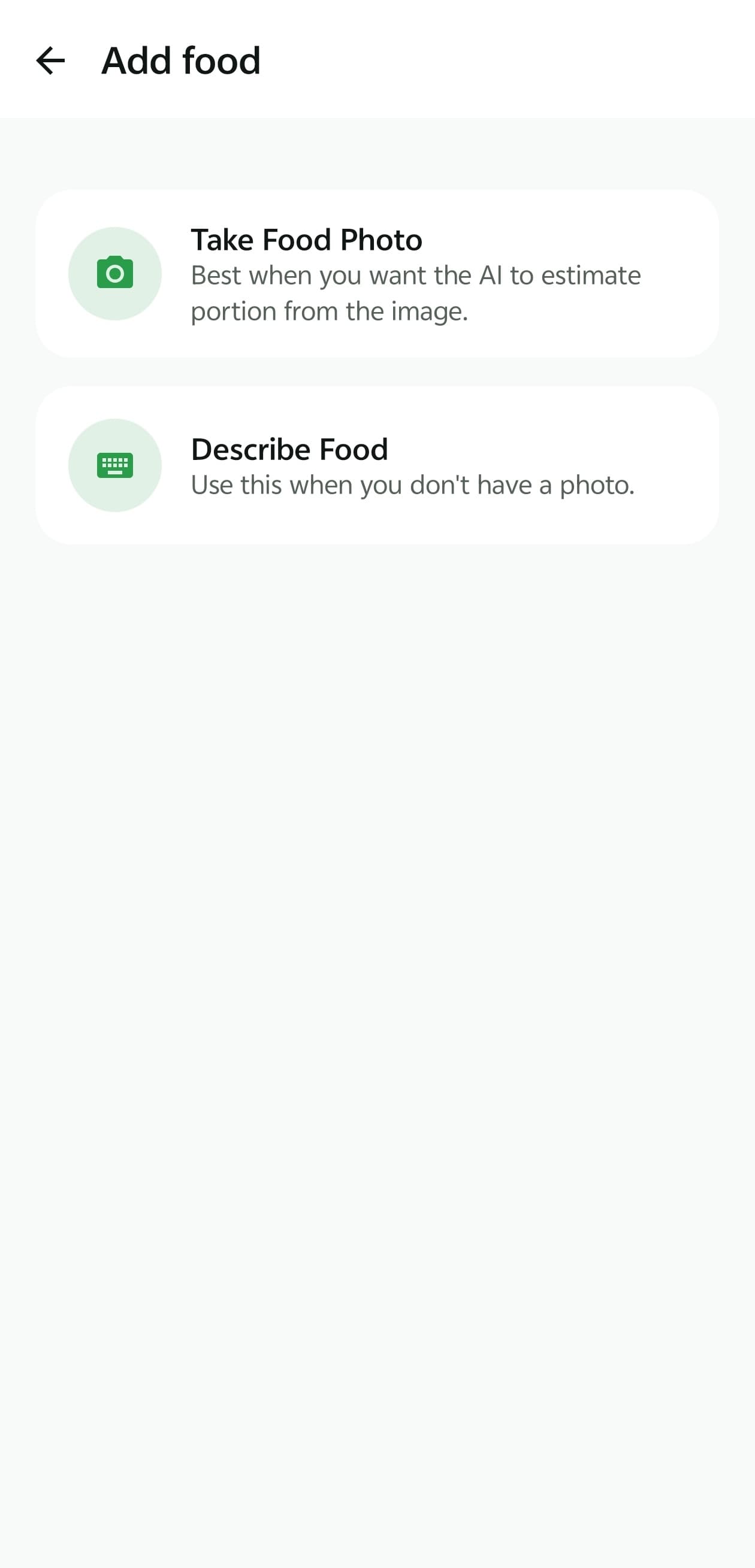
Take a photo in the app, or describe the food in text or out loud. Photos work best with the whole plate in frame, in good light, from slightly above. - 2
Add context if you know it
Mention cooking oil, a sauce, a portion size, or a brand. A single sentence like “about 1 tbsp of olive oil” changes the estimate more than anything the camera can see. - 3
The AI identifies what's on the plate
It lists each distinct food it can see and treats cut pieces as one item so nothing is counted twice. If it can't identify a food reliably, it says so and asks you rather than guessing. - 4
It estimates amounts, then nutrition
Each item gets an estimated weight or count, then calories and macros from typical reference values for that food. The meal total is the sum of its items, and macros are checked against the calorie total. - 5
You review, correct, and log
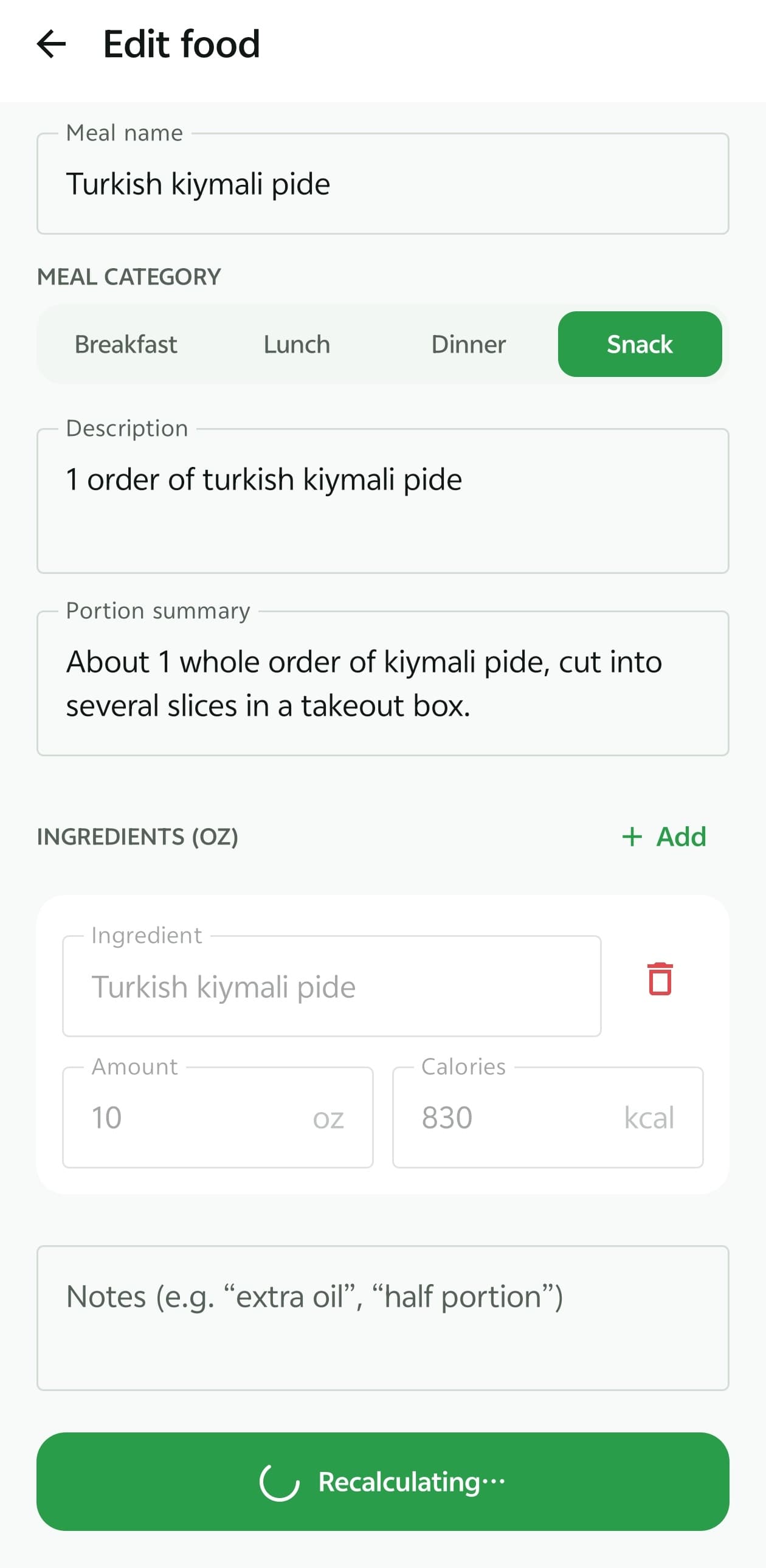
Check the detected items, answer any follow-up question, adjust amounts, recalculate if needed, and save the meal to breakfast, lunch, dinner, or a snack.
What the result screen shows
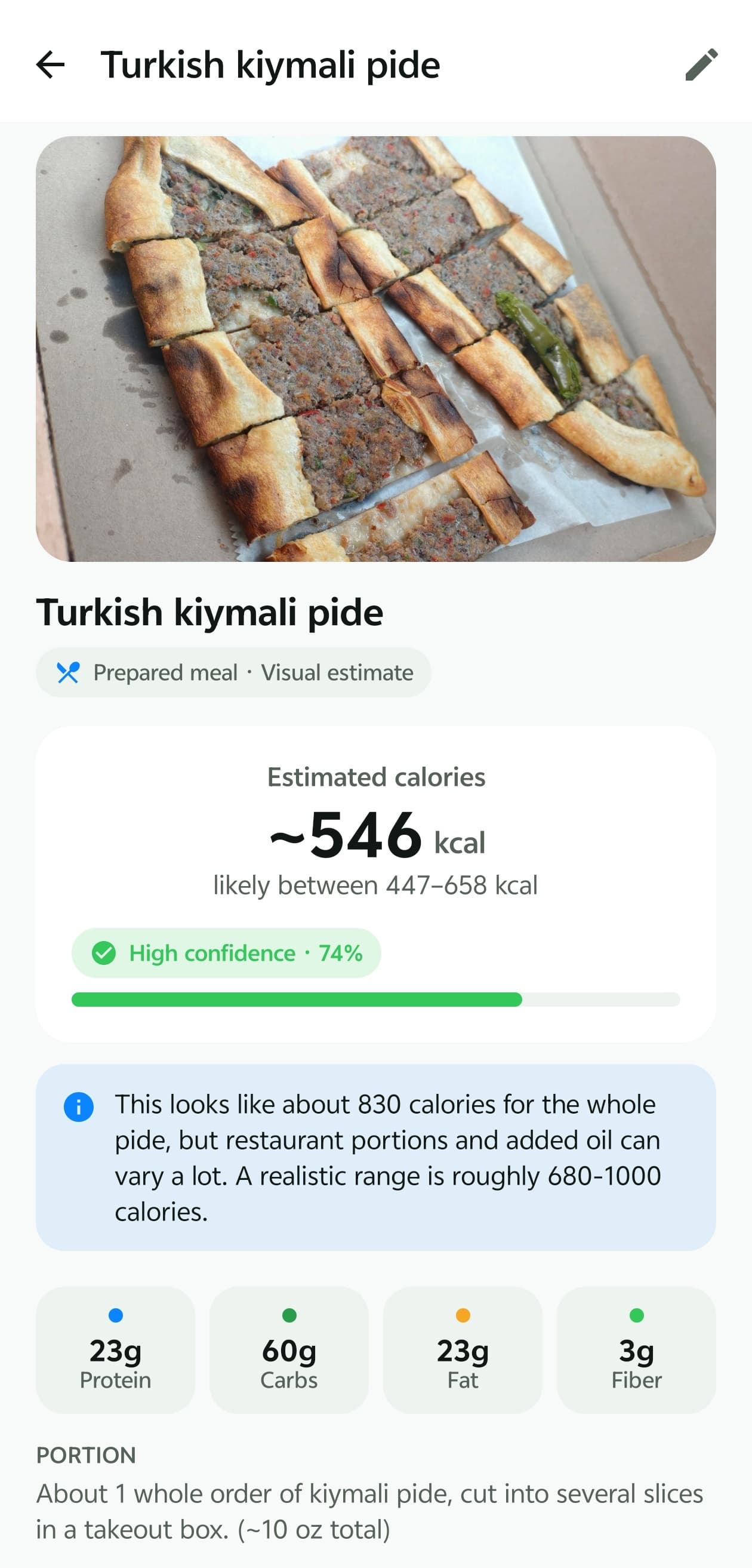
The screenshot at the top of this page is a real BiteMeasure result for a Turkish kiymali pide. Every part of it is there to help you decide whether to trust the number or improve it.
- Estimated calories (~546 kcal). The tilde is deliberate: it's an estimate, not a count.
- Likely range (447–658 kcal). How far the estimate could reasonably move once hidden ingredients and portion size are considered.
- Confidence indicator. The AI's own rating of how clearly it could read this meal — not the probability the calories are correct. How confidence works.
- Macros and portion summary. Protein, carbs, fat, fiber, and the amount the AI assumed you ate, so you can check that assumption.
Why hidden oils, sauces, and cooking methods matter
A camera sees surfaces. It can't see the butter that went into the pan, the dressing soaked into a salad, or the sugar in a sauce — and those are some of the most calorie-dense parts of a meal.
| Often-invisible addition | Approx. calories |
|---|---|
| 1 tablespoon of olive oil | ~120 kcal |
| 1 tablespoon of butter | ~100 kcal |
| 1 tablespoon of mayonnaise | ~95 kcal |
| 2 tablespoons of ranch dressing | ~130 kcal |
Approximate values from standard nutrition references; brands and recipes vary.
Cooking method matters too: the same chicken breast grilled, breaded, or pan-fried can differ by well over a hundred calories. When BiteMeasure suspects hidden fat, it widens the calorie range, lowers its confidence, and asks you a follow-up question such as whether extra oil or butter was added.
An estimate, not a measurement
Knowing a meal's exact calories requires weighing every ingredient and knowing the recipe. Even packaged-food labels are rounded averages. A photo-based tool can't do better than the information it receives, and BiteMeasure is built to say so rather than hide it.
What you get instead of false precision is a reasonable starting estimate, a clear view of where it could be wrong, and the tools to fix it in a few taps.
How to get a better estimate
- Fit the whole plate or bowl in the frame, in good light.
- Leave a fork, spoon, or your hand in shot — it gives the AI a sense of scale.
- Add a short description: cooking fat, sauces, and how much you ate.
- Answer the follow-up question when one appears.
- Use Nutrition Facts Assist for packaged foods.
- For foods you eat often, weigh them once and enter grams. How portion estimation works.
Frequently asked questions
Can an app calculate exact calories from a photo?
No. A photo shows the surface of a meal, not its recipe or exact weight, so any photo-based number is an estimate. BiteMeasure shows that estimate alongside a likely range and a confidence score so you can judge how much to rely on it.
How accurate is BiteMeasure's calorie estimate?
It depends on the meal. A single, clearly visible food with an obvious portion is easier than a mixed dish with sauce. BiteMeasure hasn't published an accuracy benchmark, so we don't quote an accuracy percentage — instead every result shows its range and what could change it, and you can correct it.
How AI confidence worksDo I need a photo?
No. You can describe a meal in text or by voice instead. A photo usually helps because the AI can see what's on the plate, and adding a short description to a photo helps most.
What if it identifies a food incorrectly?
Open the result, edit the meal name or ingredients, and recalculate. Your corrections take priority over the AI's visual guess.
Does it work for packaged food?
Yes. For packaged items you can use Nutrition Facts Assist to add the label, and that item's estimate uses the printed values instead of a visual guess.
What happens to my food photos?
Photos are used to provide the analysis and the features you use in the app. How they're stored and protected is described in our App Privacy Policy.
Read the App Privacy Policy
Explore more of BiteMeasure
- Portion Estimation
How BiteMeasure estimates how much food is on the plate, and how to correct it.
- Macro Tracking
Track calories, protein, carbs, fat, fiber, and water against daily targets.
- AI Nutrition Coach
Next-step guidance and food ideas based on what you've logged today.
- How AI confidence works
What confidence scores and calorie ranges mean — and what they don't.
Start measuring your meals smarter.
Download BiteMeasure and turn a quick food photo into honest, easy-to-track nutrition estimates. Available on iOS and Android.
Questions before you download? Get in touch.